Learn how to set up Thirdweb with Base Account to enable seamless user authentication and wallet management.

Overview

Thirdweb provides a complete onchain application development framework with wallet connection, authentication, and smart contract interactions. By integrating Thirdweb with Base Account, you can leverage Thirdweb’s ConnectButton component while providing users with native Base Account wallet support.

What you’ll achieve

By the end of this guide, you will:
  • Set up Thirdweb with Base Account support
  • Have Base Account available as a wallet option alongside email authentication
  • Use Thirdweb’s ConnectButton for a polished wallet connection experience
You can jump ahead and use the Base Account Thirdweb Template to get started.
Base Account Thirdweb Templatehttps://github.com/base/demos/tree/main/base-account/base-account-thirdweb-template

Installation

1. Create a new Next.js project

npx create-next-app@latest base-account-thirdweb
cd base-account-thirdweb

2. Install the dependencies

Install the Thirdweb SDK (version 5.118.0 or higher is required for Base Account support):
npm install thirdweb@^5.118.0

Configuration

1. Set up Environment Variables

Create a .env.local file in your project root:
NEXT_PUBLIC_THIRDWEB_CLIENT_ID=your-client-id
Get your Client ID from the Thirdweb Dashboard.

2. Create the Thirdweb Client

Create a client configuration file:
src/lib/client.ts
import { createThirdwebClient } from "thirdweb";

export const client = createThirdwebClient({
  clientId: process.env.NEXT_PUBLIC_THIRDWEB_CLIENT_ID!,
});

3. Configure ThirdwebProvider

Create a providers wrapper component and update your layout:
"use client";

import { ThirdwebProvider } from "thirdweb/react";

export default function Providers({ children }: { children: React.ReactNode }) {
  return <ThirdwebProvider>{children}</ThirdwebProvider>;
}

Usage

Use Thirdweb’s ConnectButton with your wallet configuration:
src/app/page.tsx
"use client";

import dynamic from "next/dynamic";
import { lightTheme } from "thirdweb/react";
import { inAppWallet, createWallet } from "thirdweb/wallets";
import { base } from "thirdweb/chains";
import { client } from "@/lib/client";

// Dynamic import to avoid SSR hydration issues
const ConnectButton = dynamic(
  () => import("thirdweb/react").then((mod) => mod.ConnectButton),
  { ssr: false }
);

// Configure wallets
const emailWallet = inAppWallet({
  auth: {
    options: ["email"],
  },
});

const baseAccountWallet = createWallet("org.base.account");
const wallets = [emailWallet, baseAccountWallet];
const recommendedWallets = [baseAccountWallet];

// Custom theme (optional)
const customTheme = lightTheme({
  colors: {
    primaryButtonBg: "#0052FF",
    primaryButtonText: "#FFFFFF",
    accentText: "#0052FF",
  },
});

export default function Home() {
  return (
    <main className="min-h-screen flex items-center justify-center">
      <ConnectButton
        client={client}
        wallets={wallets}
        recommendedWallets={recommendedWallets}
        chain={base}
        showAllWallets={false}
        theme={customTheme}
        connectButton={{
          label: "Sign In",
        }}
        connectModal={{
          title: "Sign In",
          size: "compact",
        }}
      />
    </main>
  );
}

3. Run the project locally

You’re done! Run the project locally:
npm run dev
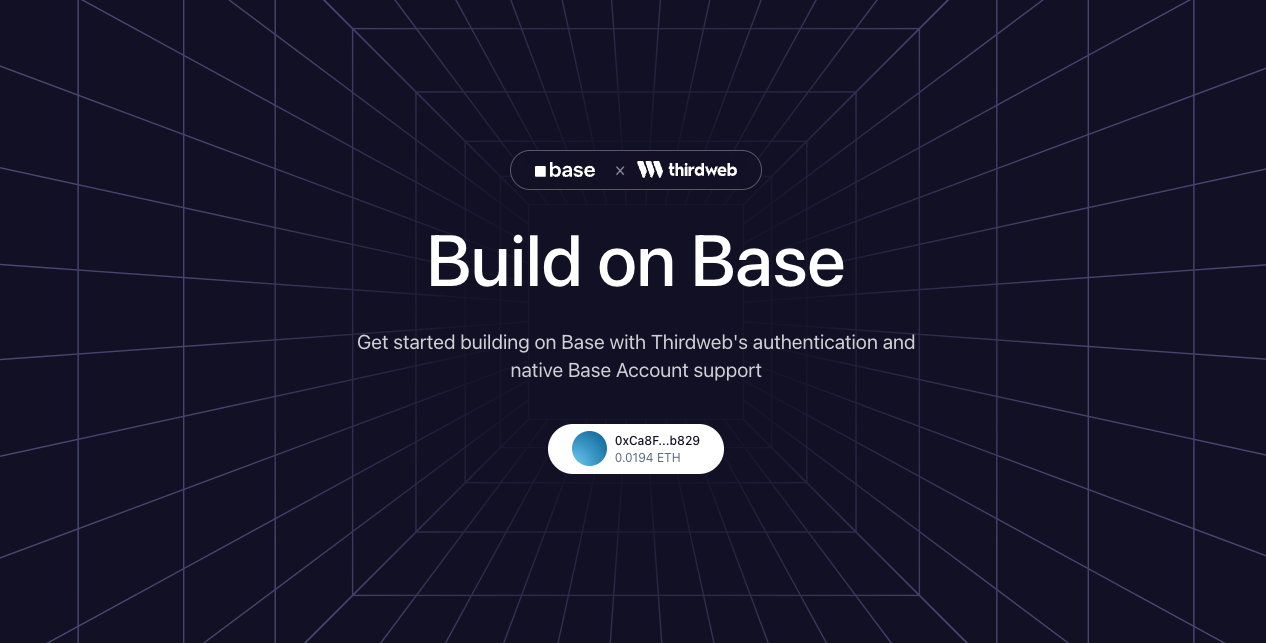
You should see a page with a “Sign In” button. Clicking it will open the Thirdweb connect modal with Base Account and email authentication options.
Base × Thirdweb Demo

Customization

Wallet Options

You can customize which wallets appear in the connect modal:
// Email only
const wallets = [inAppWallet({ auth: { options: ["email"] } })];

// Base Account only
const wallets = [createWallet("org.base.account")];

// Multiple options including social logins
const wallets = [
  inAppWallet({
    auth: {
      options: ["email", "google", "apple", "discord"],
    },
  }),
  createWallet("org.base.account"),
];

Theme

Customize the appearance using lightTheme or darkTheme:
import { lightTheme, darkTheme } from "thirdweb/react";

// Light theme with custom colors
const theme = lightTheme({
  colors: {
    primaryButtonBg: "#0052FF",
    accentText: "#0052FF",
    modalBg: "#FFFFFF",
  },
});

// Or use dark theme
const theme = darkTheme();

Chain

Change the default chain by importing from thirdweb/chains:
import { base, baseSepolia, mainnet } from "thirdweb/chains";

<ConnectButton
  client={client}
  chain={baseSepolia} // Use Base Sepolia testnet
  // ...
/>

Resources